How to Cancel a Subscription You Forgot About
December 8, 2025
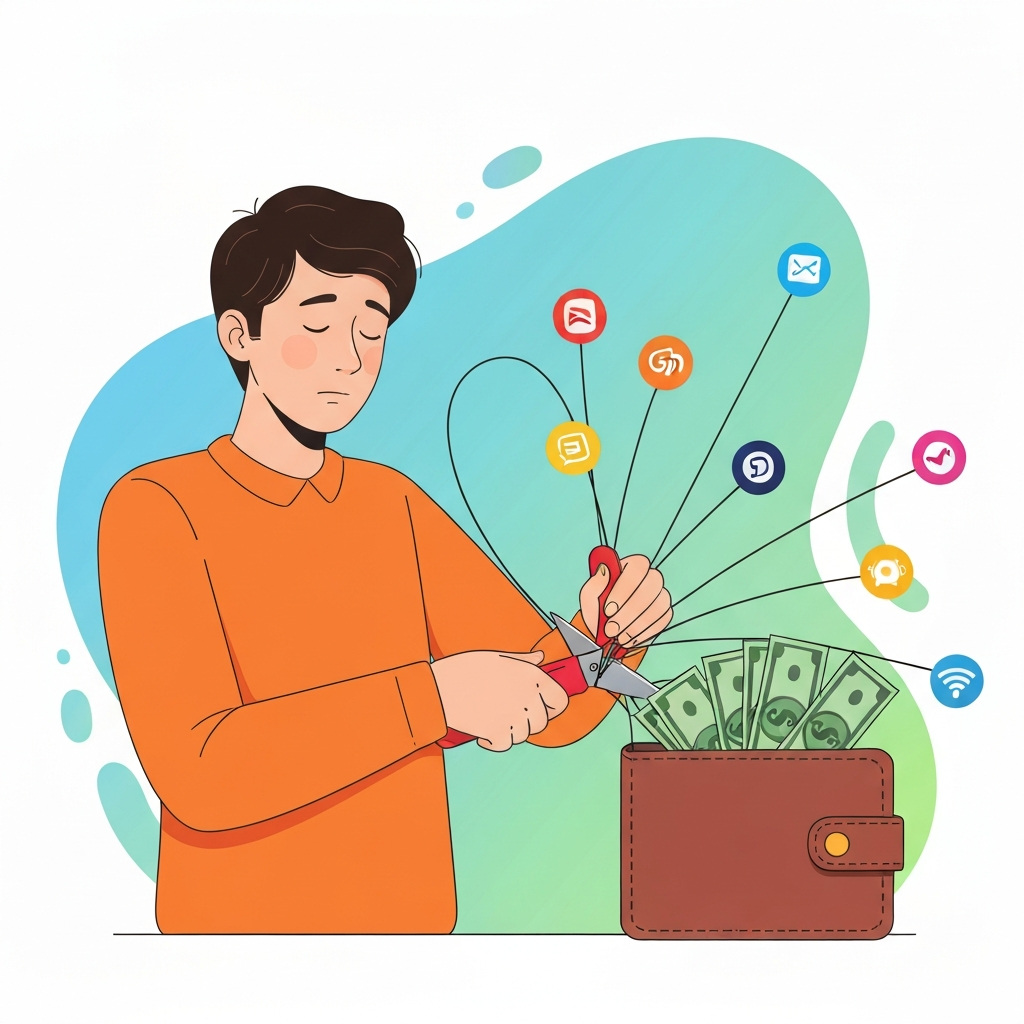
Ever had that 'aha!' moment when you're scrolling through your bank statement, and suddenly a charge pops up that makes you scratch your head? "What on earth is 'Premium Widget Pro' and why have I been paying $9.99 for it every month for the last year?" You're not alone! It's super easy to sign up for a free trial, forget about it, and then get stuck with an ongoing subscription. But don't sweat it, because in this guide, we're going to walk you through exactly how to track down and cancel those sneaky, forgotten subscriptions, putting that money back where it belongs: in your pocket!
What You'll Need
- Access to your bank and credit card statements (digital is easiest!)
- Login details for your email accounts (especially old ones)
- Any old login information you might remember for services
- A bit of patience and detective work
Quick Steps Overview
- Review all your bank and credit card statements for unfamiliar recurring charges.
- Identify the service associated with the mystery charge.
- Find the service's website and attempt to log in or locate their customer support.
- Follow the cancellation process, whether online, via email, or by phone.
- Confirm the cancellation and keep a record for your peace of mind.
Step-by-Step Guide
Step 1: Become a Financial Detective: Scrutinize Your Statements
Your bank and credit card statements are your best friends here. Grab a comfy seat and pull up your digital statements for the last 6-12 months. Seriously, go through them line by line. Look for any recurring charges, especially those with unfamiliar names or amounts that seem out of place. Many services use slightly different merchant names than their common brand, so if something looks remotely suspicious, flag it. Don't just skim – those pesky subscriptions love to hide in plain sight!
Step 2: Identify the Culprit: Pinpoint the Service
Once you've flagged a mystery charge, it's time to figure out what it actually is. Often, the merchant name on your statement will give you a clue. If it's still vague, try a quick Google search for the merchant name plus 'subscription' or 'cancel'. This usually brings up the company's website or other users with similar charges. You might also check your old email accounts for confirmation emails, welcome messages, or billing notifications related to that charge. Sometimes, an old email is all you need to jog your memory!
Step 3: Track Down Your Account: Login or Contact Support
Now that you know the service, head over to their official website. Your first stop should be the 'Login' or 'My Account' section. If you remember your login details (lucky you!), simply sign in. If not, try the 'Forgot Password' option with any email addresses you might have used. Many services let you manage subscriptions directly from your user dashboard. If logging in is a no-go, or if the website seems less user-friendly, look for their 'Contact Us', 'Support', or 'FAQ' section. This is where you'll find information on how to cancel, often including phone numbers, email addresses, or live chat options.
Step 4: Execute the Cancellation: The Moment of Truth
This is it – time to sever ties! Follow the specific cancellation instructions provided by the service. This could involve clicking a few buttons in your account settings, sending an email request, or even making a phone call. Be prepared for some companies to make it a little tricky, perhaps offering incentives to stay or requiring you to jump through a hoop or two. Stay firm and politely insist on canceling. If you're on the phone, be patient, but don't let them upsell you on something you don't want.
Step 5: Confirm and Document: Peace of Mind
You're almost done! Once you've gone through the cancellation process, make sure you receive a confirmation. If it's an online cancellation, screenshot the confirmation page. If it's via email, save that email. If it's a phone call, note down the date, time, customer service representative's name, and a confirmation number if provided. This documentation is your proof that you canceled, just in case any future charges appear. Double-check your bank statements in the next billing cycle to ensure the recurring charge is truly gone. Enjoy that extra cash!
Common Mistakes to Avoid
- Not checking all bank accounts or credit cards, especially old ones you don't use much.
- Forgetting to check old email addresses where signup confirmations might have been sent.
- Giving up too soon when a company makes cancellation difficult.
- Assuming a subscription will automatically cancel if your credit card expires (it often doesn't!).
- Failing to get a confirmation of cancellation, leaving no proof if issues arise later.
Pro Tips
- Use a dedicated subscription tracking app or a spreadsheet to keep tabs on all your recurring payments.
- Set calendar reminders for free trials, so you can cancel before they convert to paid subscriptions.
- When signing up for free trials, consider using a virtual credit card service with spending limits if available, preventing unexpected charges.
- Regularly (e.g., monthly or quarterly) review your bank and credit card statements, even for familiar charges.
- Before signing up for a new service, quickly check their cancellation policy so you know what to expect.
Final Result
By following these steps, you'll successfully identify and cancel those sneaky, forgotten subscriptions. The expected final outcome is a lighter financial load, a clearer picture of your spending, and the satisfaction of knowing you've reclaimed your hard-earned money from services you weren't even using. No more money down the drain!
Summary
Forgotten subscriptions are a common financial drain, but they don't have to be. By being a little bit of a detective with your bank statements and taking systematic steps to identify, contact, and cancel these services, you can easily stop those unwanted recurring charges. It takes a small effort, but the peace of mind and the extra money in your account are definitely worth it. Stay vigilant, keep records, and enjoy a smarter approach to managing your digital life!